Software for manufacturers: where custom software next to your ERP pays off
Your ERP knows what was ordered. The shop floor knows where it is. What sits in between, and when custom software works better there than yet another package.
Published · by Mitchel van Gerwen
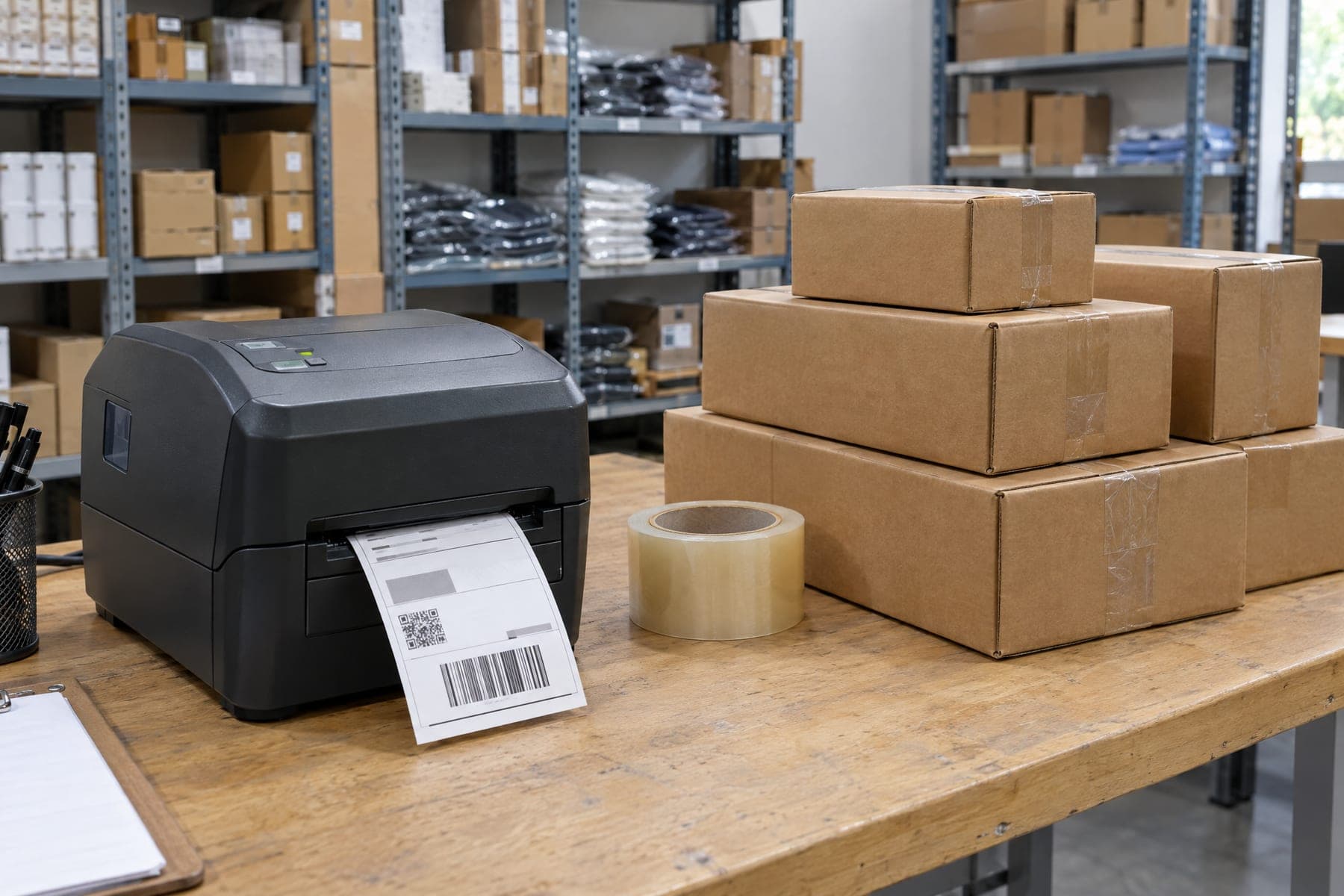
In a manufacturing business, the most important information rarely lives in one system. The ERP knows what was ordered and what it may cost. The shop floor knows where an order is right now, what went wrong and what comes next. In between sit paper work orders, a planning board, a spreadsheet and a lot of phone calls. That is where the time goes, and that is where software for manufacturers makes the biggest difference.
Where work gets stuck in a manufacturing business
- Work orders that are printed and travel through production on paper.
- Departments phoning each other to ask how far along an order is.
- A schedule that lives in a spreadsheet or on a whiteboard, separate from the ERP.
- Labels and stickers created or retyped by hand.
- Lead time and scrap figures someone pieces together at the end of the month.
ERP, MES or custom software?
An ERP handles orders, stock and finance, and it should keep doing that. An MES (manufacturing execution system) is off-the-shelf software for running the shop floor, and fits well when your production resembles that of many other companies. Custom software pays off when your process runs slightly differently: your own sequence of departments, specific checks, or a step no package knows. It does not have to replace the ERP. Good custom software in manufacturing sits next to it, pulls order data from the ERP and writes progress back, so there is one source. How to make that trade-off in general is covered in custom, package or low-code.
An example: eight departments, one picture
For De Molen Banden we built a system in 2024 in which every order can be followed live across eight production departments, from forge to transport. It is connected to the existing ERP, so nobody enters order data twice. Work orders and stickers are generated automatically per order and per step, and production, planning and transport look at the same real-time overview instead of phoning each other. The full story is in the Order Tracking System case.
What you can automate well
- Order status per department, visible live to everyone who needs it.
- Work orders as PDF, generated automatically per order and per step.
- Labels and stickers that come out of the system instead of a Word file.
- The integration with your ERP, so order data is entered in one place only.
- Overviews of lead times and bottlenecks, without anyone having to collect them.
What stays human work
Decisions on the floor. Which order goes first when a machine is down, whether a deviation is acceptable, when a customer needs a call. Software makes visible what is happening and removes the retyping; the skilled people keep the judgement. A system that tries to take over that judgement gets worked around on the floor, and then you are back to paper.
How to start
Not with the whole company. Pick one department or one handover where the most time is lost today, for example the step from production to transport, and count for one week how often people call, search or retype. Build that first, let the people on the floor use it, and expand based on what you see. If you want someone to look from the outside at where it chafes, request the free business scan.
Frequently asked
Do we have to replace our ERP?
Almost never. Custom software sits next to the ERP and exchanges data with it. The ERP stays the source for orders, stock and finance.
Does this work with our ERP?
Usually, yes. Most ERP packages have an integration through which order data can be read and written back. We first look at what the package already does, and only build what is missing.
What does software for manufacturers cost?
That depends on the number of departments, integrations and screens. What does custom software cost explains where the money goes and how to judge a quote.
What if the shop floor will not work with it?
That is the biggest risk. That is why we test on the floor first, with the people who will use it, and adjust what does not work before the next department joins.
Read next
- WorkOrder Tracking SystemA production order-tracking system giving real-time visibility across multiple production departments.
- ServicesCustom SoftwareA web application, portal or internal system that carries the work your package does not allow for, built around your process.
- InsightsCustom software, a package, or low-code: which one?The three routes compared on cost, speed, ownership, and where each one breaks down, including when the honest answer is the cheapest option.