Rolling out AI with your team: why it stalls, and how it does not
AI in a business rarely fails at the building. It fails at the rollout. How to keep your team from working around it.
Published · by Mitchel van Gerwen
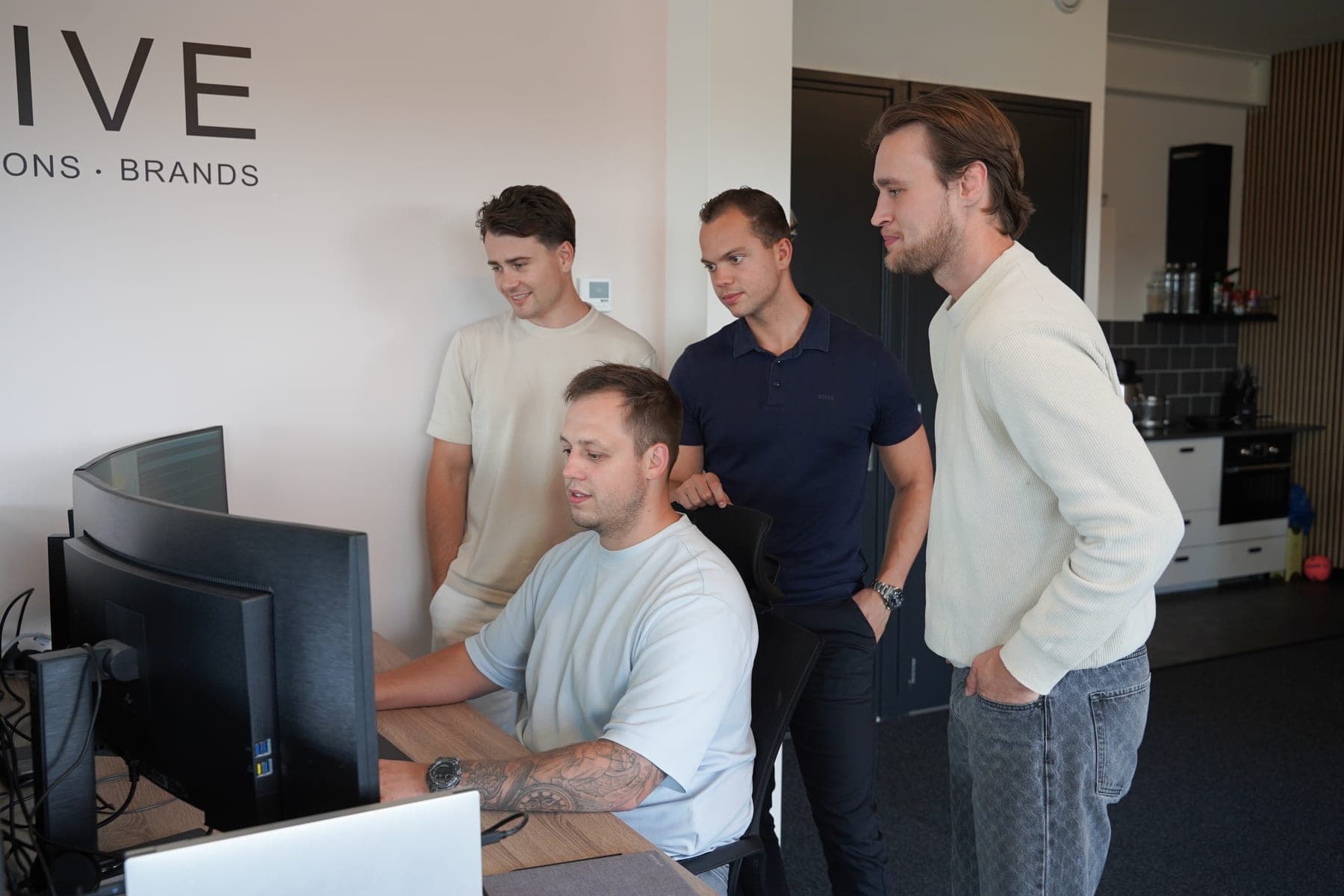
By now almost every business has tried something with AI. A subscription, a few handy prompts, sometimes a tool someone saw at a trade fair. For most, little has changed a few months later. That is rarely the technology. Building something that works is the easy half. The hard half is getting the people who do the work to use it, and keep using it.
Where it usually goes wrong
The pattern is nearly always the same. A new tool arrives, everyone gets access, and the expectation is that the team will pick it up by itself. The first time it gives a wrong answer or misses an exception, someone does it by hand again. After three of those moments the trust is gone and it stops being opened. Not out of unwillingness: the old way worked, and the new one has not proven anything yet.
Start from a process, not a tool
Whoever starts with a tool that impressed on LinkedIn then goes looking for a problem to fit it. Turn it around. First look at where the hours in your business go, and pick one process that costs a lot of time and takes little effort to change. How to count those hours is in where to start automating. The tool follows from the process, not the other way round.
Write the process down with the person who does it
As an owner you know the broad strokes. The colleague who does it every day knows the twenty steps in between: which screen first, which customer is always an exception, where something is checked twice and why. Sit next to that person for an hour and write down every step, including the ones that seem obvious. It is exactly those exceptions that decide whether it will work. Whoever helped write it down recognises their own work in what gets built.
Let the team own the improvements
A first version is never finished. So agree a period up front, two weeks in our case, in which the people working with it can report everything that is wrong or could be better, and in which that genuinely gets fixed. Halfway through, plan a short session where everything is allowed on the table: what annoys, what is redundant, what is missing. That is where the feedback comes from that stays unsaid in a formal meeting. It becomes their system instead of something imposed on them.
Agree up front when it has succeeded
Decide before you start what it has to deliver: so many hours a week less on this task, or fewer errors in that step. Measure it now, and measure it again after a month. Then the conversation halfway is not about whether to continue, but about what needs adjusting to reach the goal. If it delivers neither time nor quality, stopping is a valid outcome too. Better after a month than after a year.
One process at a time
- Only pick up the next process once the previous one is genuinely in use. Two half-adopted systems deliver less than one that runs.
- Start with the team most open to it. Someone who uses it well explains it to a colleague better than any manual.
- Keep a person in control. Let AI prepare and propose, and let someone review and send. That holds the quality, and the trust with it.
- Expect the second process to go faster than the first. The team knows how a rollout goes, and you know which questions to ask.
Frequently asked
What if an employee does not want to work with it?
Ask why, and take the answer seriously. There is often a real reason behind it: an exception the system misses, or a step that costs more work than it saves. Solve that and the resistance usually disappears by itself. Also let a colleague who does use it show how they do it; that convinces better than an explanation from above.
How long does a rollout take?
For one well-defined process we count roughly two weeks after go-live, adjusting to what the team reports. After that it is usually stable and you hear little more about it. A process that runs across several departments takes longer, because more people adapt how they work.
Does our whole team need to learn to work with AI?
No. The team mainly needs to know how the new process works, not how the technology behind it works. A well-rolled-out system feels to the user like a screen that has already done the preparatory work, not like a chat window where you have to type the right question.
Can we do this ourselves, or do we need help?
Mapping a first process and counting the hours you can do perfectly well yourself. Help pays off in the building and connecting, and as a second pair of eyes on which process to pick first. Our free business scan is a start for that: within one working day, five pages on where there is most to gain.
Read next
- InsightsWhere to start automatingHow to find the one process worth automating first, and why the biggest annoyance is usually the wrong starting point.
- InsightsWhen AI genuinely adds value (and when it is hype)A practical lens for deciding where AI belongs in your process, and where a plain rule does the job better.
- ServicesAI SolutionsSoftware that reads a call, a document or a request and carries out the next step inside your own systems.